Since its foundation in 1873, the Société has used publishing as means to share knowledge of Jersey’s history, culture and environment. Our publishing output forms a key part of our educational purpose.
Library
The Lord Coutanche Library supports the work of the Société Jersiaise by collecting and preserving material relating to Jersey's history, prehistory and natural environment.
Photographic Archive
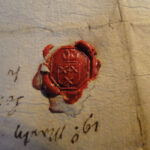
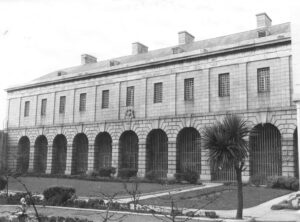
The Photographic Archive (SJPA) contains over 125,000 items dating from the mid-1840s to the present day. It is the Island’s principal collection of nineteenth and early twentieth-century photography
Field Archaeology
The Société Jersiaise archaeologist is privately funded by a generous benefactor, which is a wonderful gift, for which the Société Jersiaise are extremely grateful.
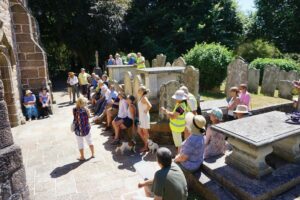
Established in 1873 the Société is a registered Jersey Charity. Our mission is to produce and facilitate research, and to share that knowledge with the widest possible audience for the benefit of our island community.
We achieve our aims through our active Sections, research collections, community outreach and collaboration with local and international heritage partners.
The Société Jersiaise archaeologist is privately funded by a generous benefactor, which is a wonderful gift, for which the Société Jersiaise are extremely grateful.
The Photographic Archive (SJPA) contains over 125,000 items dating from the mid-1840s to the present day. It is the Island’s principal collection of nineteenth and early twentieth-century photography
The Lord Coutanche Library supports the work of the Société Jersiaise by collecting and preserving material relating to Jersey's history, prehistory and natural environment.
Since its foundation in 1873, the Société has used publishing as means to share knowledge of Jersey’s history, culture and environment. Our publishing output forms a key part of our educational purpose.